Operations & Automation

Workflow Automation

Connect the tools you already use—Shopify, CRM, email, Slack, spreadsheets—so repetitive work runs on its own with monitoring, retries, and clear owners.

Replies within 1 business day.

Solution overview

n8n
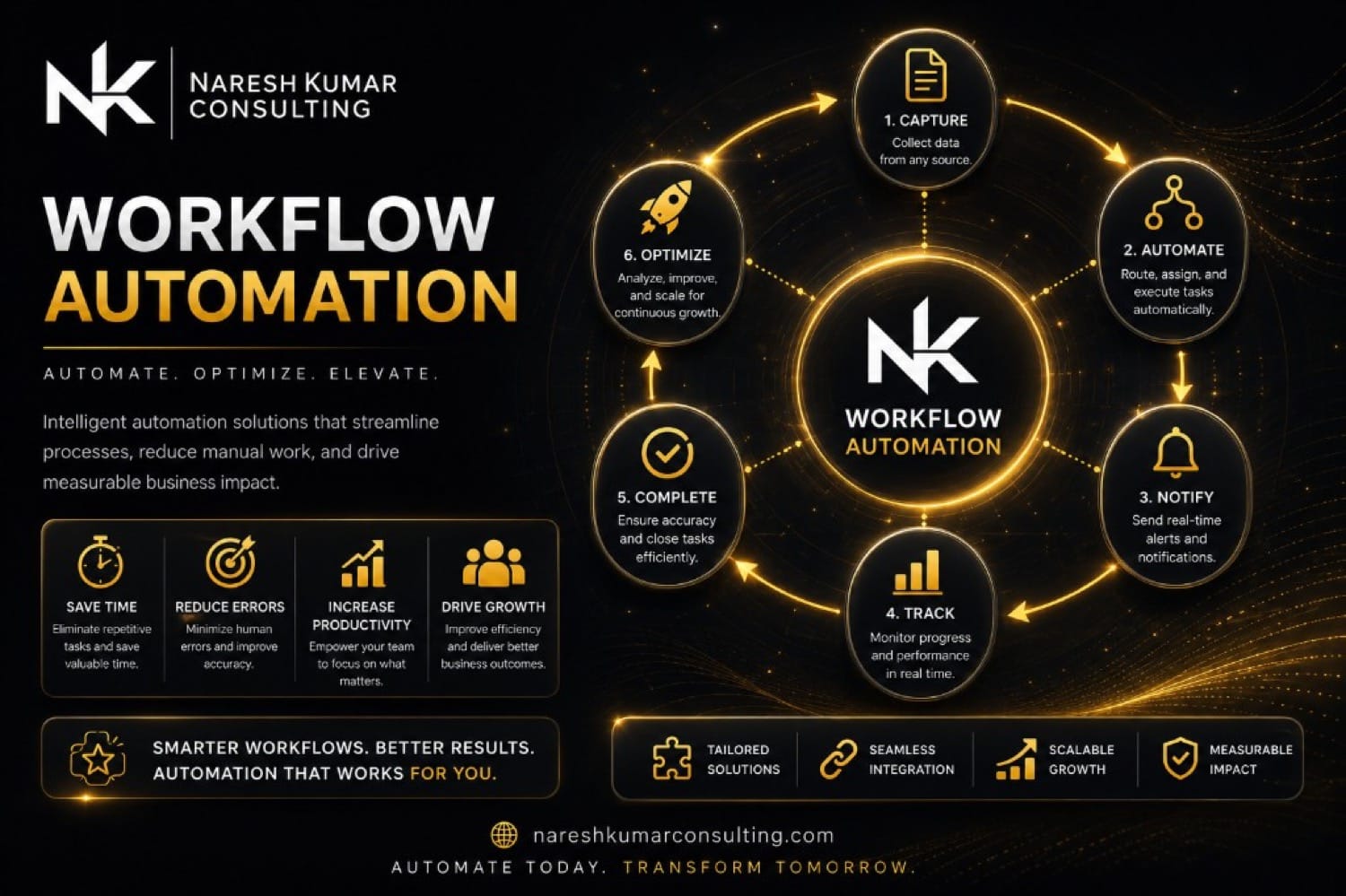
Naresh Kumar Consulting: workflow automation — n8n orchestration connecting e-commerce, email, spreadsheets, and team alerts
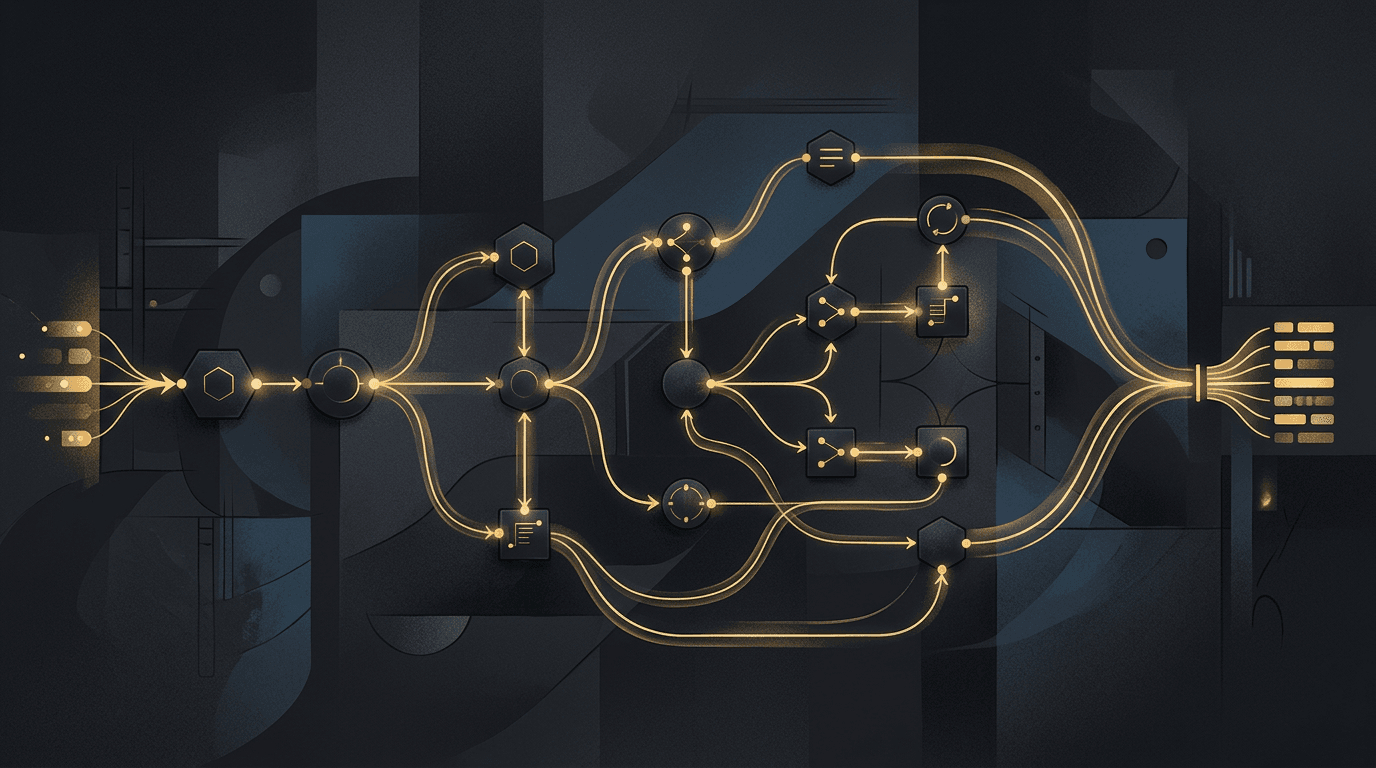
One orchestration layer connects Shopify, email, sheets, and Slack—monitored end to end.

See it in action

Pick a workflow and watch it run

Two simulated replays: a sales lead path (form → HubSpot → Slack → follow-up) and a D2C order path (Shopify → Sheets → email → Slack). Switch tabs, press play—no live integrations required.

Ready

Sales lead workflow

Form → HubSpot → Slack → follow-up · Simulated n8n run

Watch a website lead become a routed CRM deal—automatically.

Press play to step through capture, enrichment, scoring, and team alert.

Illustrative replay — human approves outbound email before send.

Definition

What is workflow automation?

Workflow automation is the practice of connecting your business software—e-commerce, CRM, email, spreadsheets, chat, and custom APIs—so repeatable tasks run on their own when a trigger fires. Instead of someone copying order details into a sheet, sending a status email, and pinging a Slack channel, an orchestration layer like n8n watches for the event, validates it, calls each system in sequence, retries on failure, and alerts a human only when something needs attention.

  • Triggers on real events—new orders, form submissions, calendar bookings—not on someone remembering to check an inbox.
  • Runs the same steps every time, so copy-paste mistakes and forgotten follow-ups disappear.
  • Retries and error paths are built in; failures surface in logs and alerts instead of failing silently.
  • Credentials are scoped to the minimum each step needs; you keep a map of what runs in production.
  • Starts narrow—one high-volume path—then stacks the next win once the first slice is trusted.

Benefits

Why teams automate workflows

The goal is measurable throughput: less copy-paste, fewer dropped handoffs, faster customer response.

Hours back every week

High-volume manual steps—order logging, status emails, CRM updates—run while your team focuses on exceptions and customers.

Fewer costly mistakes

Idempotent design and validation mean the same webhook does not create duplicate rows, and bad payloads stop before they spread.

Faster customer response

Confirmations and internal alerts fire in seconds, not when someone gets back from lunch.

Scale without headcount

Order volume can grow without hiring another ops person to babysit spreadsheets and inboxes.

Observable runs

Every execution is logged—you can see what succeeded, what retried, and where to fix when an API changes.

One map of production

n8n or Make becomes the connective tissue between tools, with documentation your team can reason about.

How it works

How a workflow runs in production

From trigger to alert—here's the spine most engagements share.

  1. 1

    A trigger fires

    Something happens in a system you already use—a Shopify order, a HubSpot form, a calendar booking, a webhook from your app.

  2. 2

    The workflow validates

    The orchestration layer checks the payload, deduplicates if needed, and branches only when the data is safe to process.

  3. 3

    Connected tools update

    Each step calls the right API: log to Sheets, send Klaviyo or email, create a CRM row, post to Slack—whatever your process requires.

  4. 4

    Failures are handled

    Retries, dead-letter paths, and alerts mean a broken step does not vanish; someone gets notified with enough context to fix it.

  5. 5

    Humans handle exceptions

    Routine work is automatic; edge cases and approvals still route to the right person with the data already assembled.

More use cases

Where workflow automation fits

D2C & e-commerce

Order → inventory log → customer email → fulfillment alert without copy-paste.

Lead routing

Form or ad lead → CRM record → owner assignment → Slack or email notification.

Client onboarding

Signed contract → folder creation → welcome sequence → task list for your team.

Reporting & ops

Scheduled pulls from ads, analytics, or finance tools into one sheet or dashboard feed.

Support triage

Ticket or chat intake → classify → route → optional AI draft with human approval.

AI + automation

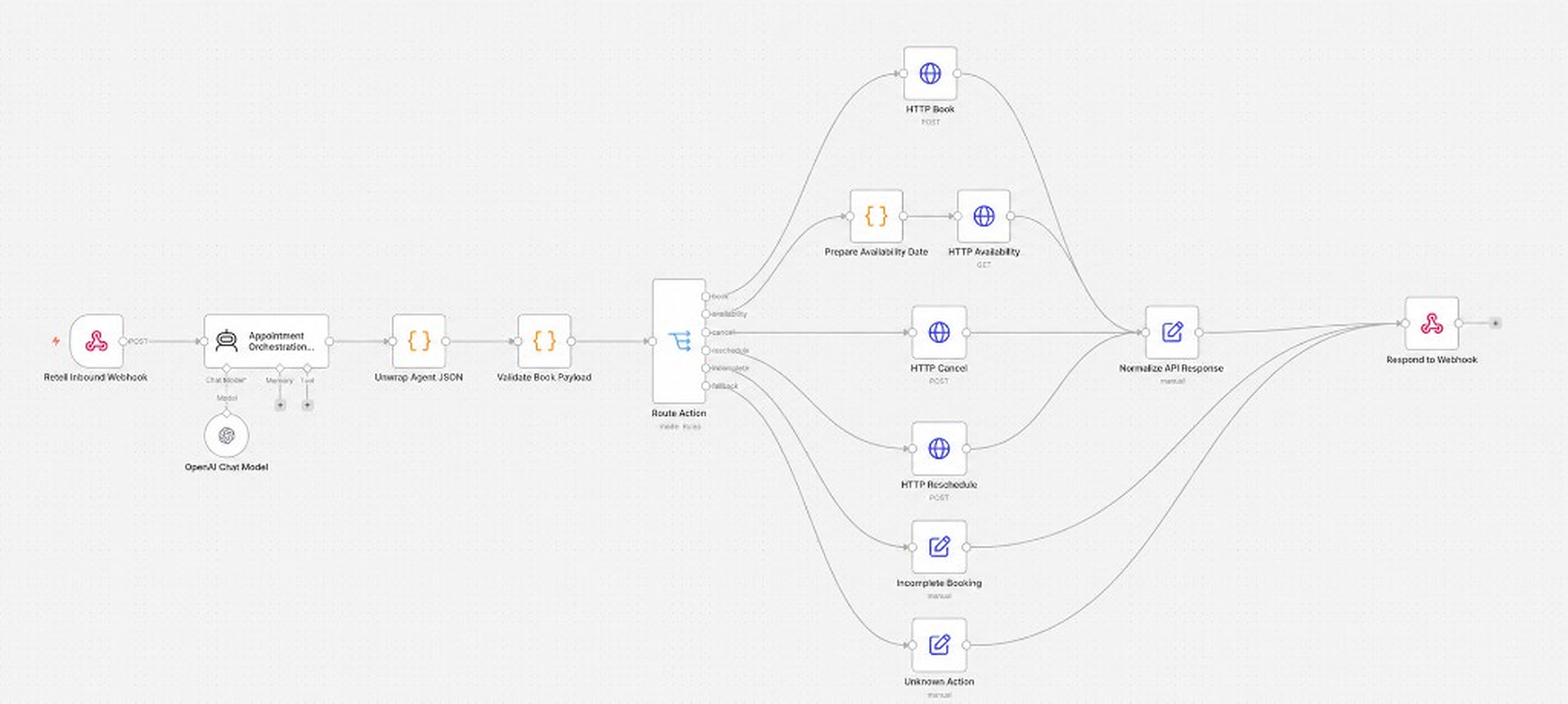
Voice or chat AI output → validated booking or CRM update via the same orchestration layer.

Comparison

Manual work vs scripts vs n8n

ApproachSetupObservabilityBest for
Manual copy-pasteNoneErrors found by customersVery low volume
One-off scriptsFast initiallyOften none until something breaksSingle developer, single task
Zapier / MakeQuick for simple zapsBuilt-in run historyStraightforward SaaS-to-SaaS flows
n8n (self-hosted or cloud)More control, steeper learning curveFull run logs, branching, self-host optionMulti-step ops, retries, custom APIs

Proof

Case studies behind the demos

The sales lead demo aligns with our B2B HubSpot conversion system work (+35% close rate, faster proposals). The D2C demo reflects a Shopify brand that reclaimed ~14 hours per week with n8n.

Workflow automation FAQ

Common questions about what to automate first, how n8n fits, and what a project looks like.

Workflow automation connects your business software so repeatable tasks run when a trigger fires—without someone copying data between tools. An orchestration layer like n8n watches for events (new orders, form fills, bookings), validates them, calls each system in sequence, retries on failure, and alerts a human only when needed.